
Use the download button on any card, or tap an image to view full screen and share.
Sponsored by

demo

Highlights
2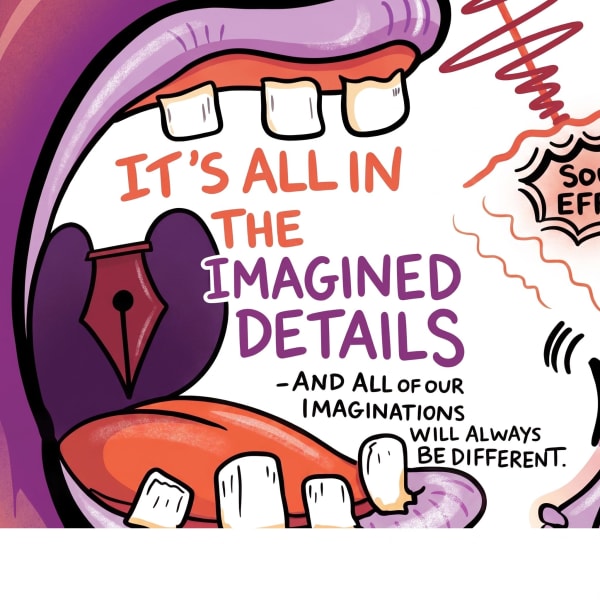
Instant Digital Assets Demo Showcase
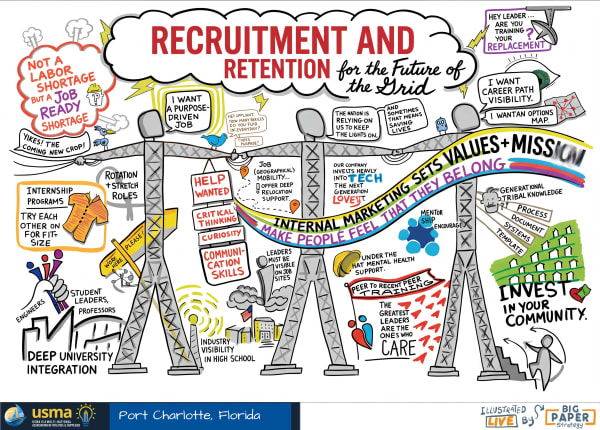
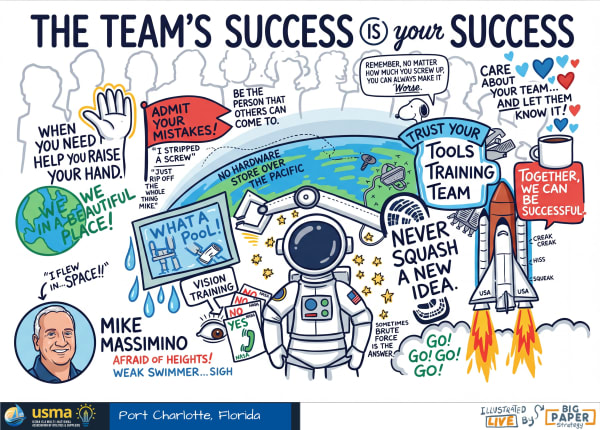
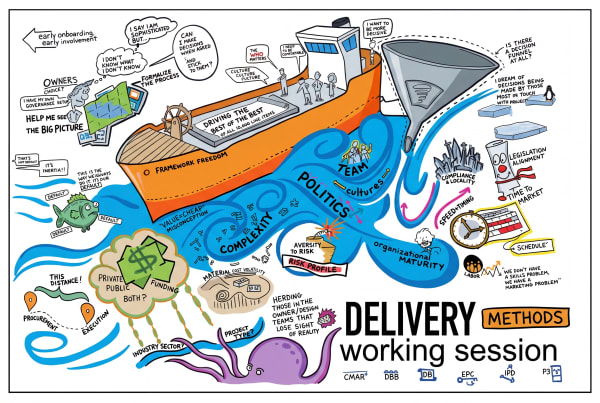
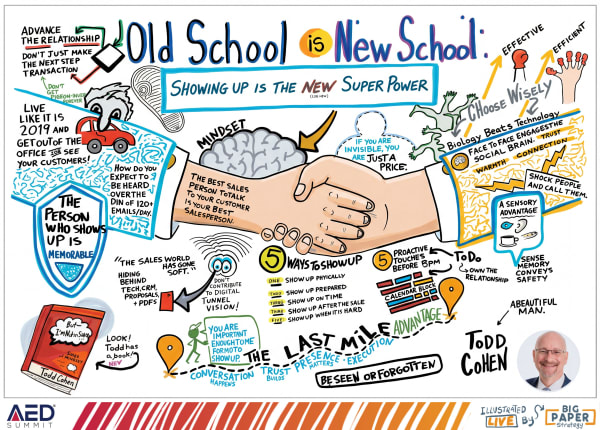
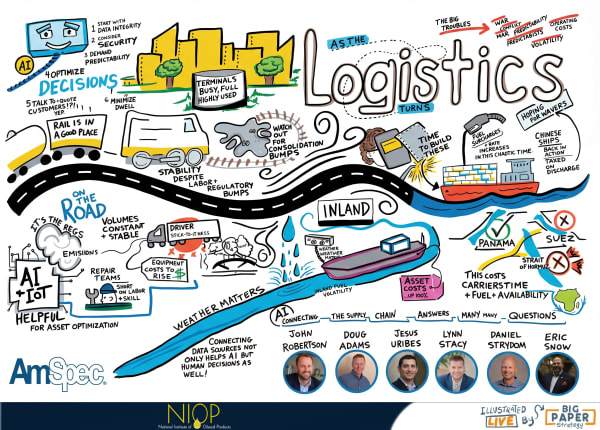
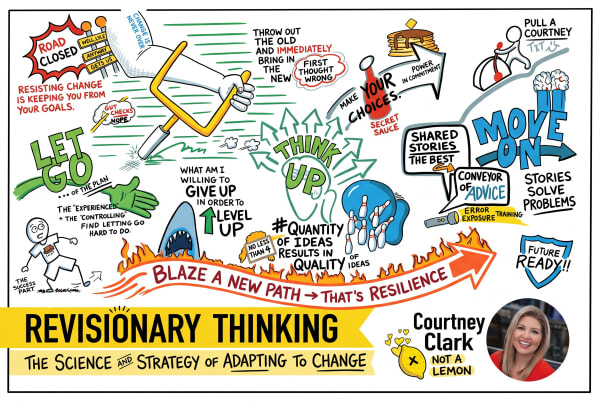
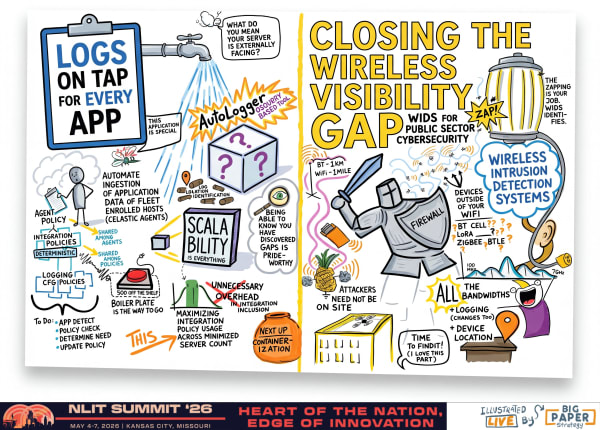
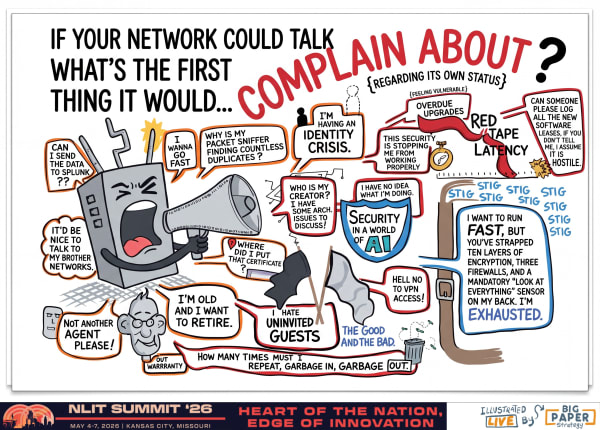
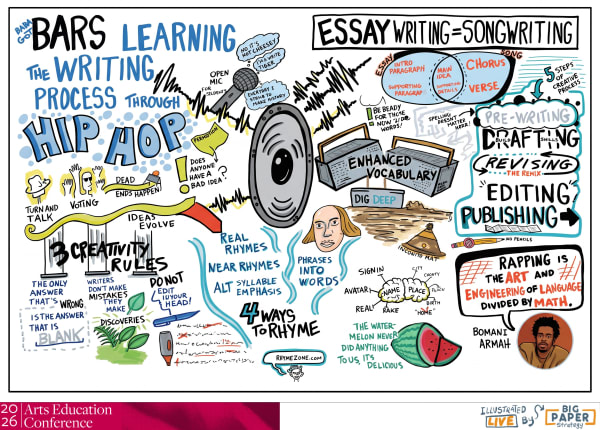
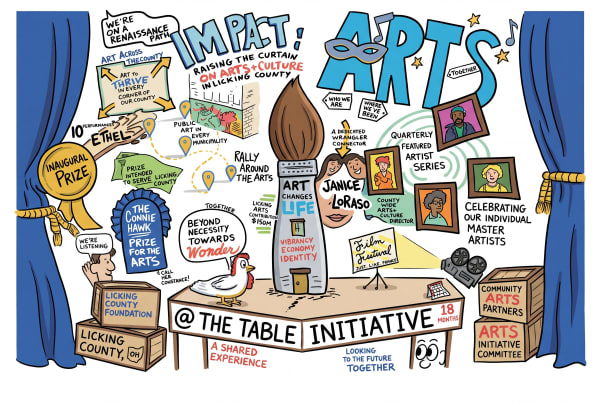
Explore examples of live event drawing, graphic recording, and visual meeting notes by Matt Orley. See how live illustration enhances engagement at conferences and workshops.
⚡ LIVE EVENT DEMONSTRATION: The visual assets in this gallery are captured, processed, and uploaded in real time as the event unfolds. Every high-resolution board and cropped highlight is delivered within minutes of the speaker wrapping up their presentation, giving you instant marketing assets to share while the buzz is hot.
Welcome to the Big Paper Strategy Live Demonstration Gallery. This page acts as a live, interactive portfolio demonstrating how live illustration, graphic recording, and visual synthesis work at real-world events. If you are planning a conference, corporate meeting, tradeshow booth, or strategic planning session, this gallery demonstrates the range, depth, and rapid delivery of visual assets available to you.
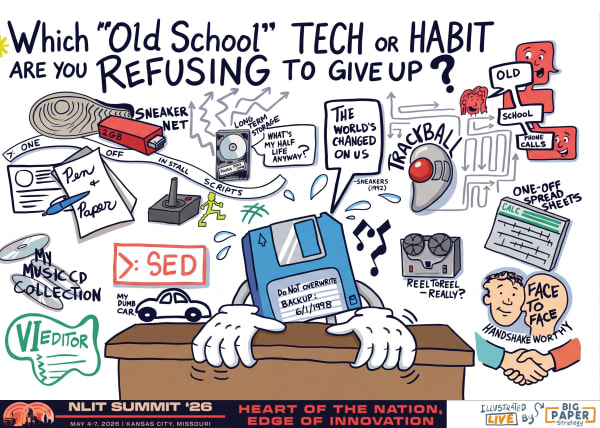
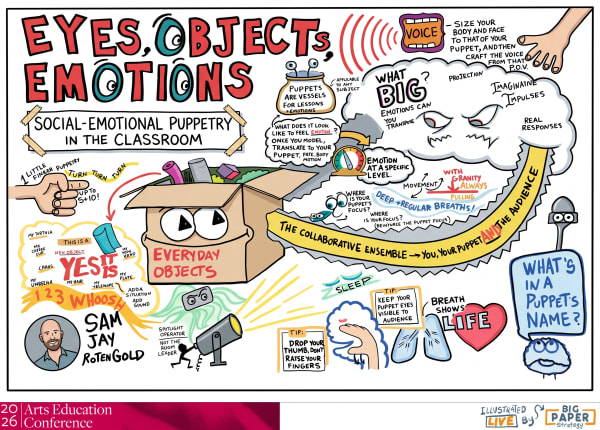
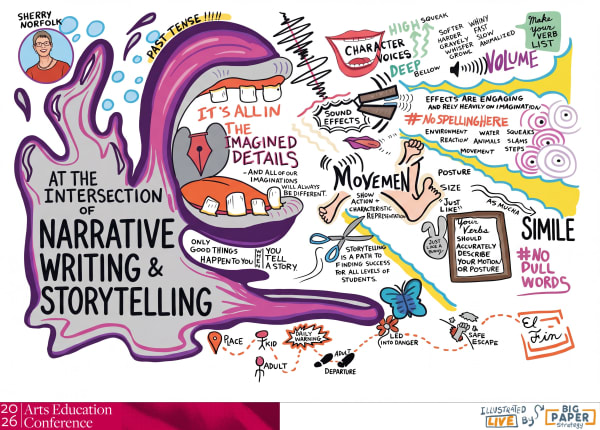
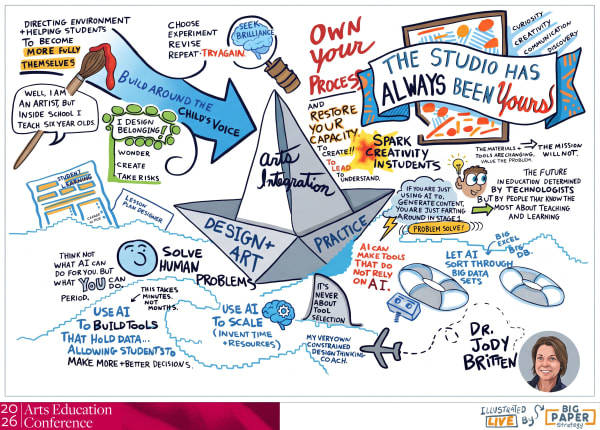
The images displayed in the gallery above illustrate the journey of turning complex spoken concepts into actionable, memorable, and highly engaging visual maps—produced entirely live.
Real-Time Digital Asset Delivery (Minutes, Not Days)
The hallmark of graphic recording with Big Paper Strategy is the speed of delivery. You don’t have to wait days or weeks after your event to receive the digital files. Matt’s workflow is built for modern event speeds:
- Live Synthesis: During each presentation or workshop, Matt captures the conversations, key points, and audience contributions onto large-scale physical boards or digital canvases.
- Instant Processing: As soon as a board is completed, it is photographed, optimized, and uploaded directly to this client gallery.
- Available in Minutes: Within minutes of a session ending, high-resolution downloads are live. Attendees, speakers, and organizers can scan a QR code, view this page, and download the visuals immediately.
- Immediate Shareability: Your social media and marketing teams have access to professional, custom visual assets while the sessions are still fresh in everyone’s minds.
Understanding the Gallery Formats
When Matt Orley illustrates your event, you get a suite of custom digital assets optimized for different channels. Use the filters in the gallery above to see:
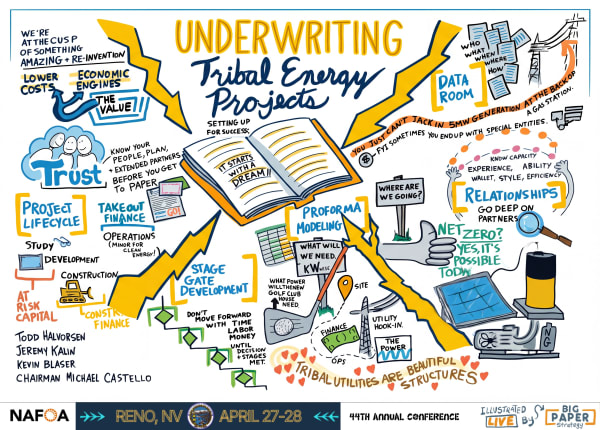
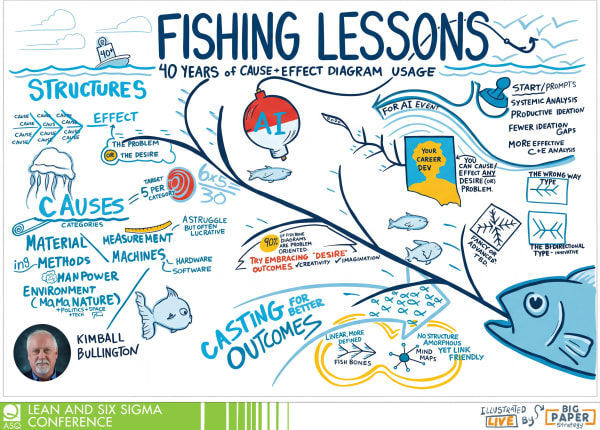
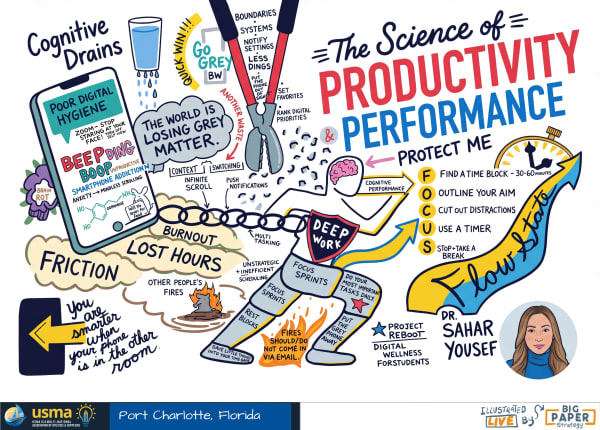
- Originals: The complete, full-scale live drawing boards captured during keynotes, panels, and breakout sessions. These provide a complete, comprehensive visual record of the entire presentation.
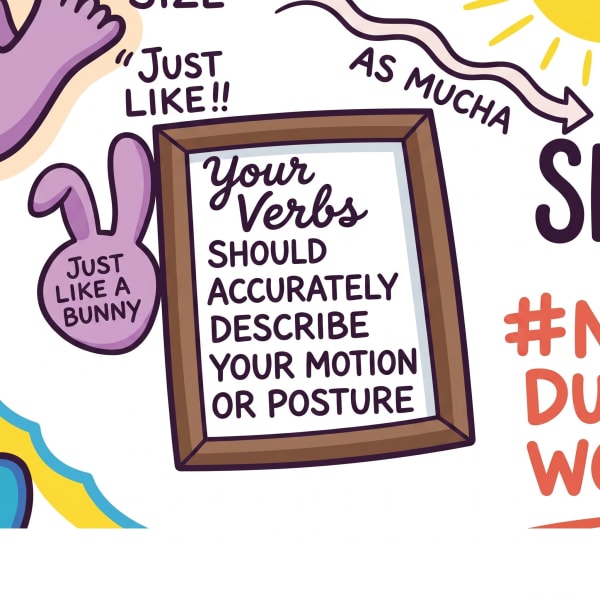
- Highlights: Tight, focused crops of specific key concepts and illustrations taken from the larger boards. These close-ups are blown up and optimized for high-impact social media sharing (perfect for LinkedIn, Instagram, and newsletters) or slide decks.
Why Use Graphic Recording at Your Event?
Live illustration (often called graphic facilitation or scribing) bridges the gap between listening and understanding. By mapping ideas visually as they happen, Matt helps organizations:
1. Boost Audience Engagement & Retention
People remember visual information far better than text or spoken words alone. Watching ideas take shape on “big paper” keeps attendees focused, excited, and talking during breaks.
2. Synthesize Complex Conversations
Whether it’s a multi-speaker keynote panel or a highly technical workshop, live sketching distills hours of dialogue into an intuitive, structured summary that highlights connections, patterns, and key takeaways.
3. Generate Buzz & Social Proof
The immediate availability of highlights allows your marketing team and attendees to post visual notes to LinkedIn immediately. These drawings stand out in social feeds, creating massive FOMO (fear of missing out) and boosting your event’s online visibility.
Bring Big Paper Strategy to Your Next Event
If you want to transform your next conference, workshop, or exhibition into an interactive, visually rich experience that people will talk about for months, let’s connect.
- Ready to collaborate? Start the conversation on our Engage Page.
- Have questions? Reach out directly via the email and social links in the header card above.
Copy Illustrator's username to clipboard:
Press ESC or tap close to return